
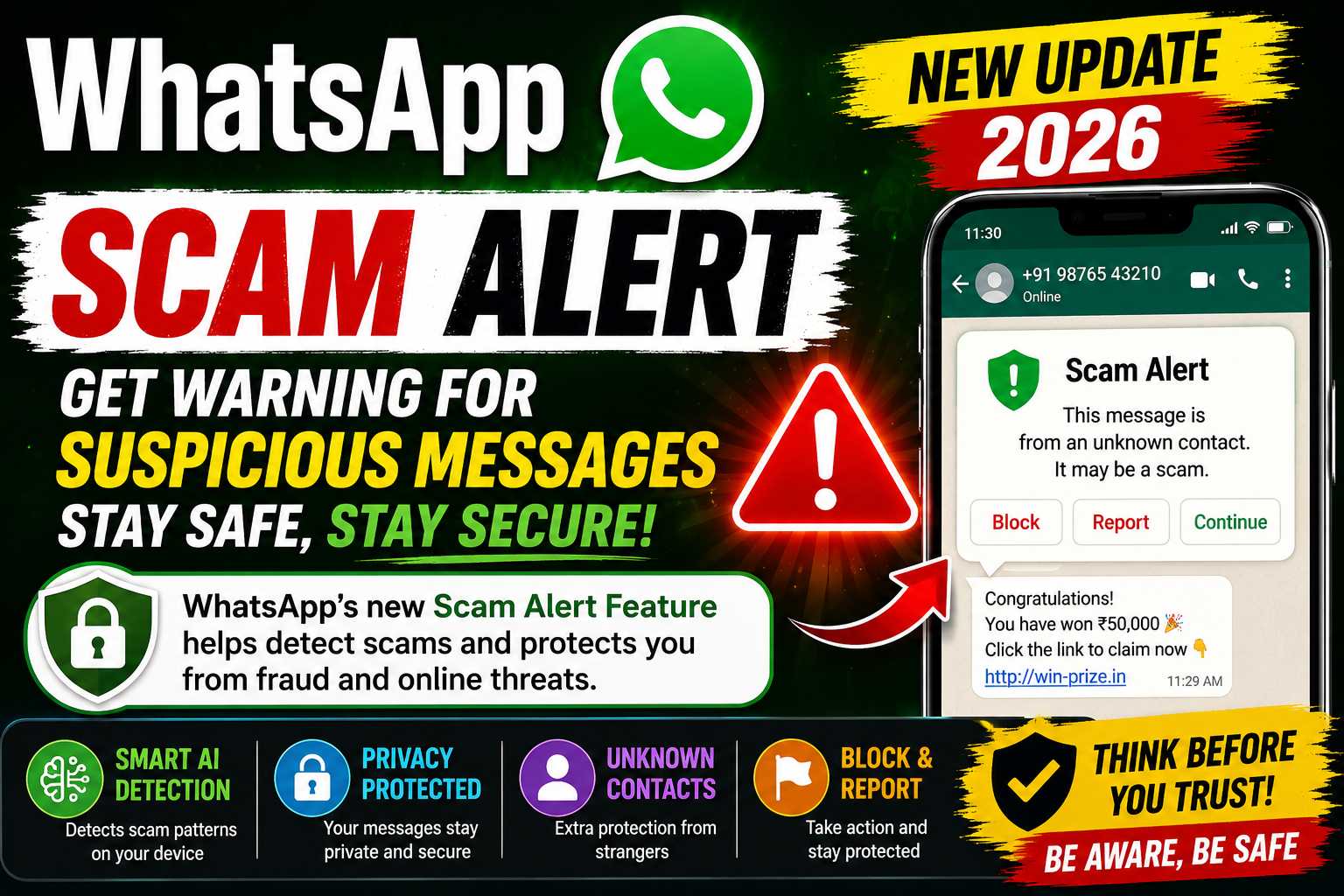
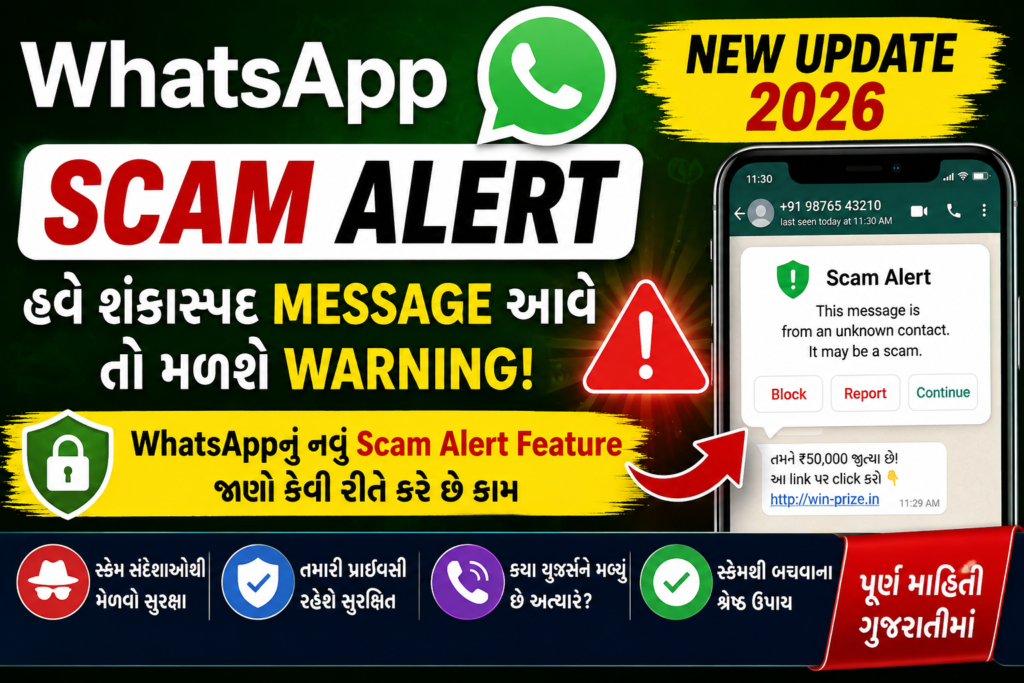
WhatsApp New Update 2026: Testing of a new Scam Alert feature has started for WhatsApp users with the aim of increasing protection against scam and online fraud. This feature can help alert the user when signs of scam are seen, especially in conversations with unknown contacts.
Currently, this feature is not available for every WhatsApp user. According to the available information, its limited testing is being done with selected Android beta users.
The special thing about this feature is that on-device machine learning is used for scam detection. That is, the analysis required for classification is done on the device itself. According to Meta’s technical information, during this process, the message content is not automatically sent to WhatsApp or Meta’s server for this purpose.
But this feature should not be seen as complete scam protection. When receiving any suspicious message, the user must use his own understanding and verification.
What is WhatsApp Scam Alert Feature?
WhatsApp is used today for business, payment-related communication, job opportunities, customer support and personal conversations, in addition to messaging. This is why scammers also try to use WhatsApp to deceive people.
Some scammers first message an unknown person and then try to get things like money, OTP, personal information or suspicious links by gradually building trust.
In such a situation, WhatsApp’s Scam Alert feature can work as an additional security layer.
In simple terms:
Unknown Contact → Conversation → Scam Pattern Analysis → Possible Risk → Warning
If the system detects scam-like patterns in the conversation, a warning may be shown to the user in the chat.
The purpose of this warning is not to scare the user but to inform them to be careful before proceeding with this conversation.
Who is currently receiving WhatsApp Scam Alert?
Currently, Scam Alert is not available for every WhatsApp account.
According to reports available till August 31, 2026, this feature is being tested for select Android beta users.
So if you don’t see this feature in your WhatsApp yet, it’s normal.
Current status
| Info | Status |
|---|---|
| Feature | WhatsApp Scam Alert |
| Main purpose | Warning about potential scams |
| Current status | Limited beta testing |
| Platform | Android beta |
| Processing | On-device machine learning |
| Available to all users | Not yet |
| Final rollout date | No exact official date announced |
How will Scam Alert work?
This feature uses a machine-learning model running on WhatsApp devices to try to find signs of scams in conversations.
For example, if an unknown person suddenly contacts you and the conversation shows patterns that match previous scam scenarios, the system may try to identify them as suspicious.
This process can generally be understood as follows:
Message arrives → Analysis is done on the device → Scam-like patterns are detected → Warning appears if there is a risk
Here it is important to understand that the detection done by machine learning does not always have to be perfect.
The system can sometimes consider even a genuine conversation as suspicious and on the other hand, there is no guarantee that every scam can be identified.
What is On-Device Machine Learning?
Hearing about “AI” or “Machine Learning”, some users may be concerned about privacy.
But on-device machine learning means that the necessary analysis is done on the device itself.
Simple example:
You receive a message from an unknown number.
WhatsApp’s security system analyzes the relevant scam patterns in the conversation on the device.
If that conversation seems suspicious, a warning can be shown.
According to Meta’s technical explanation, the message content does not need to be automatically sent to the server for this classification.
The aim of this approach is to provide security features like scam detection while also preserving WhatsApp’s privacy architecture.
Will WhatsApp read your messages?
This question is very important.
According to Meta’s official technical information, Scam Alert’s scam classification is done on the device. The message content is not automatically sent to WhatsApp, Meta or any third party for classification.
But there is an important distinction here.
If a user marks a suspicious conversation as trusted, then according to Meta’s information, the user may be given the optional choice to share the last five messages of that conversation with WhatsApp. So, it is not right to claim that “messages cannot reach WhatsApp under any circumstances” regarding privacy.
Therefore, the most appropriate thing to say about this feature is:
**The main classification for scam detection is done on the device and for that, messages are automaticallyically are not sent to the server.**
This wording is more specific and responsible for privacy.
What can be done after a Scam Alert Warning?
If WhatsApp considers a conversation suspicious and shows a warning, the user has the option to make a decision according to their situation.
1. Block
If the other person is not trusted or there is a suspicion of a scam, the contact can be blocked.
2. Report
If the conversation or account seems suspicious, you can report it to WhatsApp.
3. Continue
If you are sure that the conversation is genuine, you can continue the conversation.
4. Trust
If the system has mistakenly considered a genuine conversation suspicious, the user can mark it as trusted.
According to Meta’s technical information, arrangements have been made to prevent the same warning flag from being set again for trusted chats.
In what types of Scam Messages can this feature be helpful?
Since scammers use different methods, Scam Alert does not necessarily have to be limited to a specific type of message.
For example, if the following types of signals are seen in a conversation from an unknown contact:
- Sudden request to send money
- Suspicious payment link
- Request for OTP or verification code
- Offer to make a quick investment
- Claim of guaranteed profit
- Fake job or work-from-home offer
- Claim to win a prize or lottery
- Attempt to obtain personal information
- Impersonation of a well-known person or organization
- Advice to install an unknown app or APK
But keep in mind that WhatsApp will not necessarily identify every message above as a scam.
Scam Alert is a security assistance feature, not a guarantee.
Will Scam Alert be able to identify 100% of Scams?
No.
No automated security system can guarantee that it can identify every type of online fraud 100%.
Scammers are constantly changing their methods. They can use new types of messages, new links and different social-engineering techniques.
Therefore, if WhatsApp gives a warning, it should be taken seriously, but even if you do not receive a warning, it is not right to immediately trust an unknown person.
The safest way is:
Technology + Awareness + Verification
When will WhatsApp Scam Alert come to all users?
Currently, the exact official date when this feature will be available to all WhatsApp users has not been announced.
The purpose of beta testing is to test the feature better and find possible problems.
So, it is not right to claim that “every WhatsApp user will get Scam Alert from this date”.
Only when WhatsApp makes an official announcement about the wider rollout, can we know for sure about the final availability.
Will iPhone users also get Scam Alert?
The information available at the moment is mainly related to Android beta testing.
The exact official rollout date regarding the general availability of this feature for iPhone users has not been announced yet.
So it is not appropriate to give a specific date for when the feature will come to iPhone at the moment.
How to Enable Scam Alert in WhatsApp?
Since the feature is currently in limited testing, its setting may not be visible in every user’s WhatsApp.
If your account has received a beta rollout, the relevant Scam Alert setting may appear in WhatsApp’s settings.
If the option is not visible, there is no need to force it to be enabled.
Its setting may appear when the feature is available in WhatsApp.
Note: Beta version or feature availability may vary by account. Therefore, it is not appropriate to assume that the feature will definitely be available by installing a specific beta version.
What if Scam Alert gives a false warning?
There is a possibility of false positives in machine-learning based detection.
For example, if a new person’s number is not saved in your phone and he sends you a genuine message. The system may find the conversation suspicious.
In such a situation, WhatsApp gives the user the opportunity to take further decisions about the conversation.
If the conversation is genuine, it can be marked as trusted.
Therefore, it is better to view the decision of Scam Alert not as a final verdict but as a warning or security signal.
12 Important Tips to Avoid WhatsApp Scam
Although the Scam Alert feature is useful, users’ own caution is most important.
1. Do not immediately click on an unknown link
Even if the link from an unknown number seems genuine, first check its authenticity.
2. Do not share OTP
Do not share OTP, PIN, CVV or verification code with any unknown person.
3. Be careful of Guaranteed Investment
If you get an offer like “surely big profit in a short time”, check it first.
4. Be careful of Fake Job Offers
Be especially careful if registration fee, security deposit or other payment is asked in the name of providing a job.
5. Don’t Share Bank Details
Do not give card details, PIN, CVV and other sensitive banking information to strangers.
6. Verify Emergency Money Request
If you are asked for money from a known person’s WhatsApp account, call them first to confirm.
7. Don’t trust just by looking at the profile photo
Scammers can often use the photo or name of a well-known person.
8. Verify messages in the name of a Government Officer
Police, bank or government departmentIf you receive a message in the name of rtment, verify it through the official channel.
9. Be careful with Screen Sharing
Do not start screen-sharing on the advice of a stranger.
10. Do not install unknown APK
Installing an unknown APK or application file found on WhatsApp can pose a risk to your device and data.
11. Report and Block Suspicious Account
If you suspect fraud, use WhatsApp’s available safety options.
12. Keep WhatsApp Updated
You can get the available security improvements by keeping WhatsApp updated from your device’s official app store.
WhatsApp Scam Alert and Privacy: In simple language
To understand this feature, it is necessary to keep three things separate:
First thing: The main classification for scam detection is done on the device.
Second thing: The message content is not automatically sent to WhatsApp or Meta for classification according to Meta.
Third point: During some user-controlled actions, such as optional feedback related to trusted conversations, the user may get the option to share messages.
So the most balanced thing about WhatsApp Scam Alert regarding privacy is that the main detection process of the feature is on-device, but some optional actions performed by the user may have different privacy implications.
Benefits of WhatsApp Scam Alert Feature
Some potential benefits of this type of security feature are:
- Can increase awareness about suspicious conversations coming from unknown contacts.
- The user can get timely warning about scam patterns.
- Can be an additional security layer for new or less technically savvy users.
- On-device processing is designed with privacy in mind.
- The user has safety options like block and report.
Limitations of Scam Alert
It is also important to understand some of its limitations:
- The feature is still in the testing phase.
- It is not available to every WhatsApp user.
- Not every scam is guaranteed to be identified.
- Genuine conversations can sometimes look suspicious.
- Scam detection still requires user insight.
- Final rollout and availability may change over time.
Important questions about WhatsApp Scam Alert
What is WhatsApp Scam Alert?
WhatsApp Scam Alert is a security feature that helps alert users to potential scam conversations.
Is Scam Alert currently available to all users?
No. The feature is currently in limited Android beta testing.
Does WhatsApp automatically send my messages to the server?
According to Meta’s technical information, the main classification of Scam Alert is done on the device and message content is not automatically sent to WhatsApp or Meta for this purpose.
Can messages be shared in trusted chat?
According to Meta, during an optional action related to a trusted conversation, the user may be given the option to share the last five messages with WhatsApp.
Will Scam Alert detect every scam?
No. This feature does not guarantee 100% scam detection.
What to do if a warning appears?
Carefully check the conversation. If in doubt, block or report the sender. If it is a genuine conversation, choose the appropriate action.
I am not seeing a Scam Alert in my WhatsApp. What is the problem?
Not necessarily. Since the feature is currently in limited testing, it may not be available in every account.
When will Scam Alert come to iPhone?
The exact official date of the general rollout for iPhone is not yet announced.
Should Scam Alert be considered a complete security solution?
No. It is an additional security layer. Users should always be wary of unknown links, OTP requests, payment requests, and suspicious offers.
WhatsApp Scam Alert 2026: Know in brief
Issue Information Feature Name Scam Alert Purpose Warning about a potential scam conversation Current status Limited beta testing Main platform Android beta Detection approach On-device machine learning Main use Suspicious conversation awareness User options Block / Report / Continue etc. Privacy approach Main classification on device Rollout for all users Not yet complete Final rollout date Exact official date not announced
Final word
WhatsApp’s Scam Alert Feature 2026 is an interesting development to increase user safety against online fraud. The purpose of this feature is to alert the user when scam-like patterns are detected in some conversations with unknown contacts.
Its specialty is that according to Meta’s technical information, on-device machine learning is used for scam classification. That is, this main analysis is done on the device itself and for this, messages do not need to be automatically sent to the server.
But this feature should not be seen as 100% protection. As scam technology advances, scammers can also change their methods just as quickly.Therefore, when you receive a message on WhatsApp from an unknown person regarding money, OTP, bank details, suspicious link, investment or job offer, it is best to verify it first and only then take any action.
Remember: “Verify first, then Trust.”
The information provided in this article is based on the information available till 31 August 2026. WhatsApp features and availability may change during beta testing.